User Guide
This guide is for people who have an email account on a service that runs Userli – or who want to get one. You don't need any technical knowledge.
Names and addresses differ
Userli is used by different email providers. Your provider may use its own
name and web address instead of "Userli". Menus and buttons are the same.
In this guide, example.org stands for the domain of your provider.
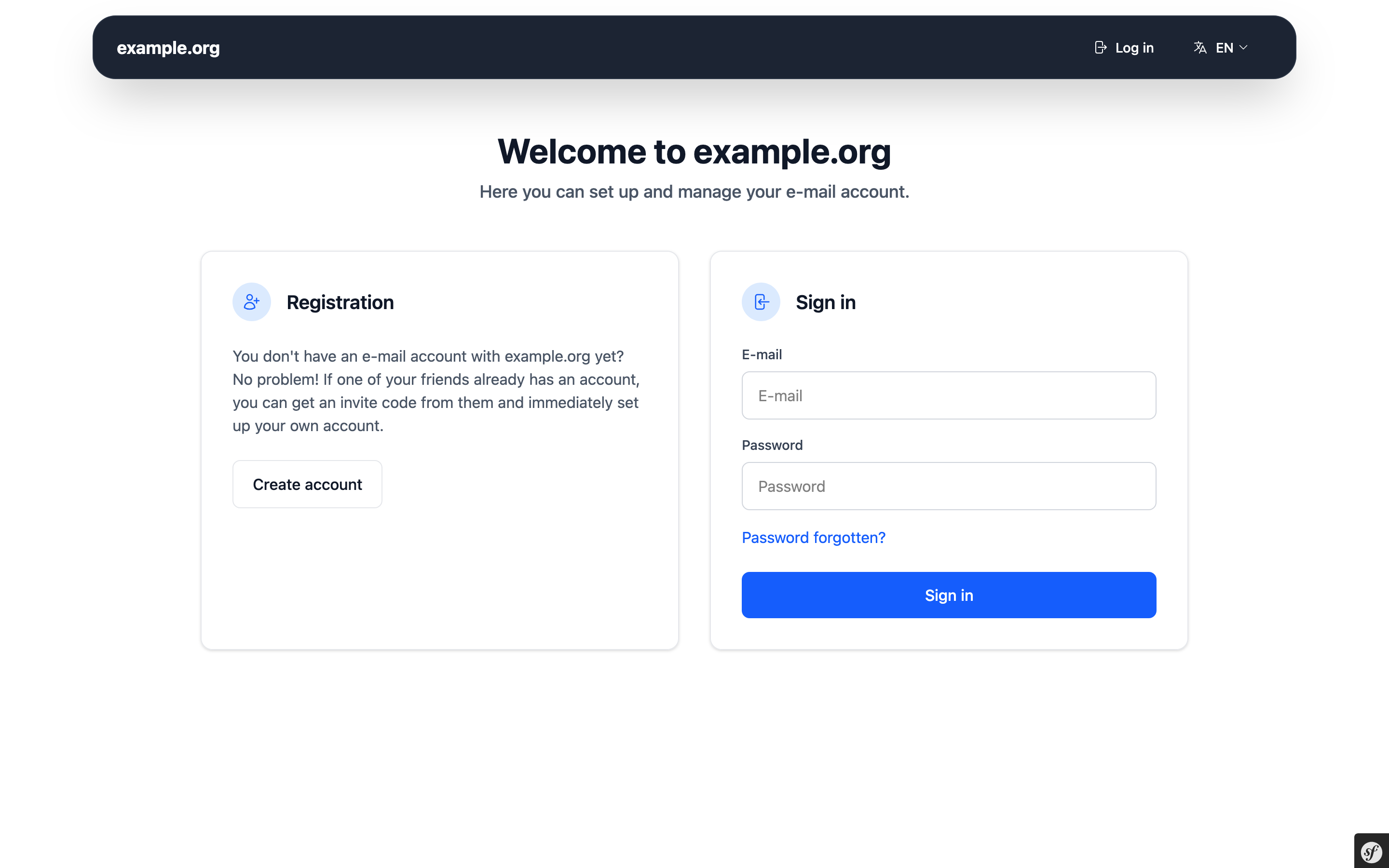
What you can do
| I want to … | Read |
|---|---|
| get a new email account | Create an account |
| sign in, change my password or language | Sign in and your account |
| protect my account with a second factor | Secure your account |
| get back into my account after losing my password | Forgot your password |
| use extra addresses that forward to my inbox | Aliases |
| invite a friend | Invite codes |
| let others find my OpenPGP key automatically | OpenPGP keys |
| delete my account | Delete your account |
Reading and writing emails
Userli manages your account, but it is not an email program. To read and write emails, either
- use the Webmail of your provider (if available, there is a Webmail card on your account overview), or
- set up an email program such as Thunderbird, K-9 Mail or the mail app on your phone. Ask your provider for the server settings (IMAP and SMTP server names and ports). Use your full email address as username and your Userli password.
Your privacy and security in short
- Choose a strong, unique password. It must have at least 12 characters and must not appear in known data breaches.
- Store your recovery token in a safe place. It is the only way back into your account if you forget your password – your provider cannot reset it for you without losing your encrypted emails.
- Turn on two-factor authentication to protect your account even if your password gets stolen.
Need help?
If something does not work as described, contact the support of your email provider. If you are locked out after a spam warning, only your provider can unlock your account.