Settings
System → Settings (admins only) contains the global settings of the installation. They are stored in the database and apply immediately. The basic settings are first set in the setup wizard.
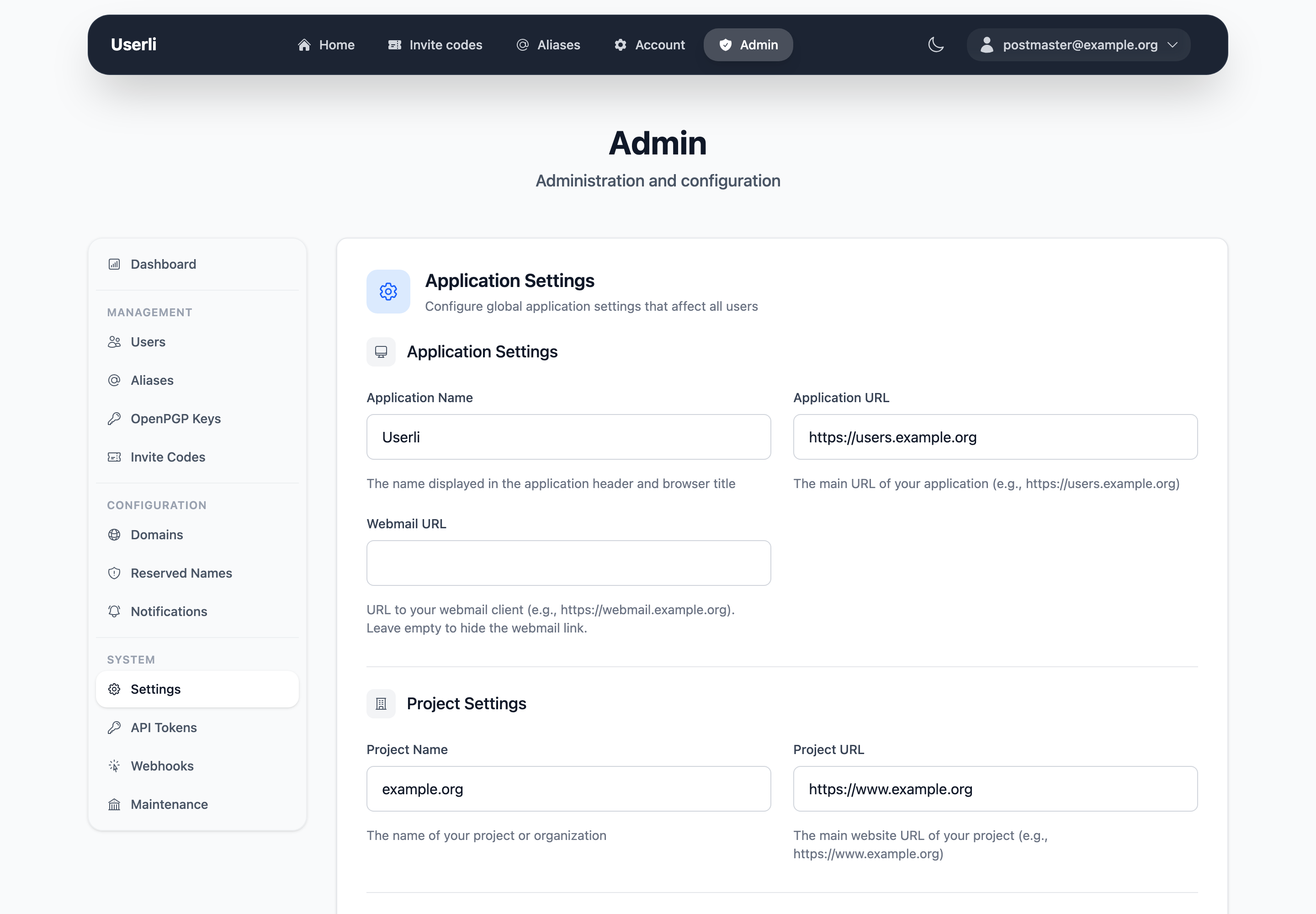
Application settings
| Setting | Default | Description |
|---|---|---|
| App name | Userli |
Name in the header, browser title and start page (3–30 characters). |
| App URL | https://users.example.org |
Public URL of Userli. Used in links in emails and invite links. |
| Webmail URL | – | URL of your webmail. Shows a Webmail card to users. Leave empty to hide it. |
Project settings
| Setting | Default | Description |
|---|---|---|
| Project name | example.org |
Name of your project or organization, used on the welcome page and in emails. |
| Project URL | https://www.example.org |
Website of your project. |
Email configuration
| Setting | Default | Description |
|---|---|---|
| Sender address | admin@example.org |
Sender of all emails from Userli. |
| Notification address | monitoring@example.org |
Receives the weekly report and reports about suspicious users. |
Mailbox encryption
| Setting | Default | Description |
|---|---|---|
| MailCrypt | 2 |
0 disabled, 1 optional, 2 enforce for new users, 3 enforce for all users. |
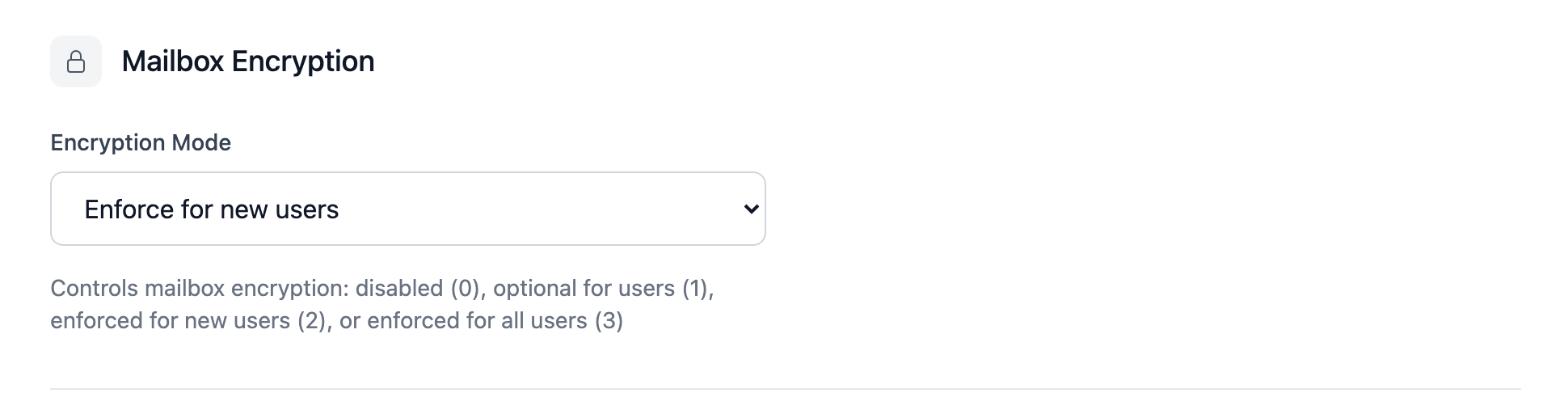
See MailCrypt for what the levels mean and how to migrate existing users. Keep the default unless you know why to change it.
Reports
| Setting | Default | Description |
|---|---|---|
| Weekly report | on | Every week, send a list of new registrations to the notification address. |
SMTP quota limits
| Setting | Default | Description |
|---|---|---|
| Per hour | 0 |
Default maximum number of emails a user can send per hour. 0 = unlimited. |
| Per day | 0 |
Default maximum number of emails a user can send per day. 0 = unlimited. |
Limits can be overridden per user and per alias. Userli only provides the numbers – your mail server has to enforce them, see Postfix.
MTA-STS
| Setting | Default | Description |
|---|---|---|
| Mode | testing |
testing (report only), enforce (reject on failure) or none (opt out). |
| MX hosts | – | Allowed MX hostnames, one per line, wildcards like *.example.org allowed. |
| Max age | 604800 |
How long (in seconds) sending servers cache the policy. 1 day to 1 year. |
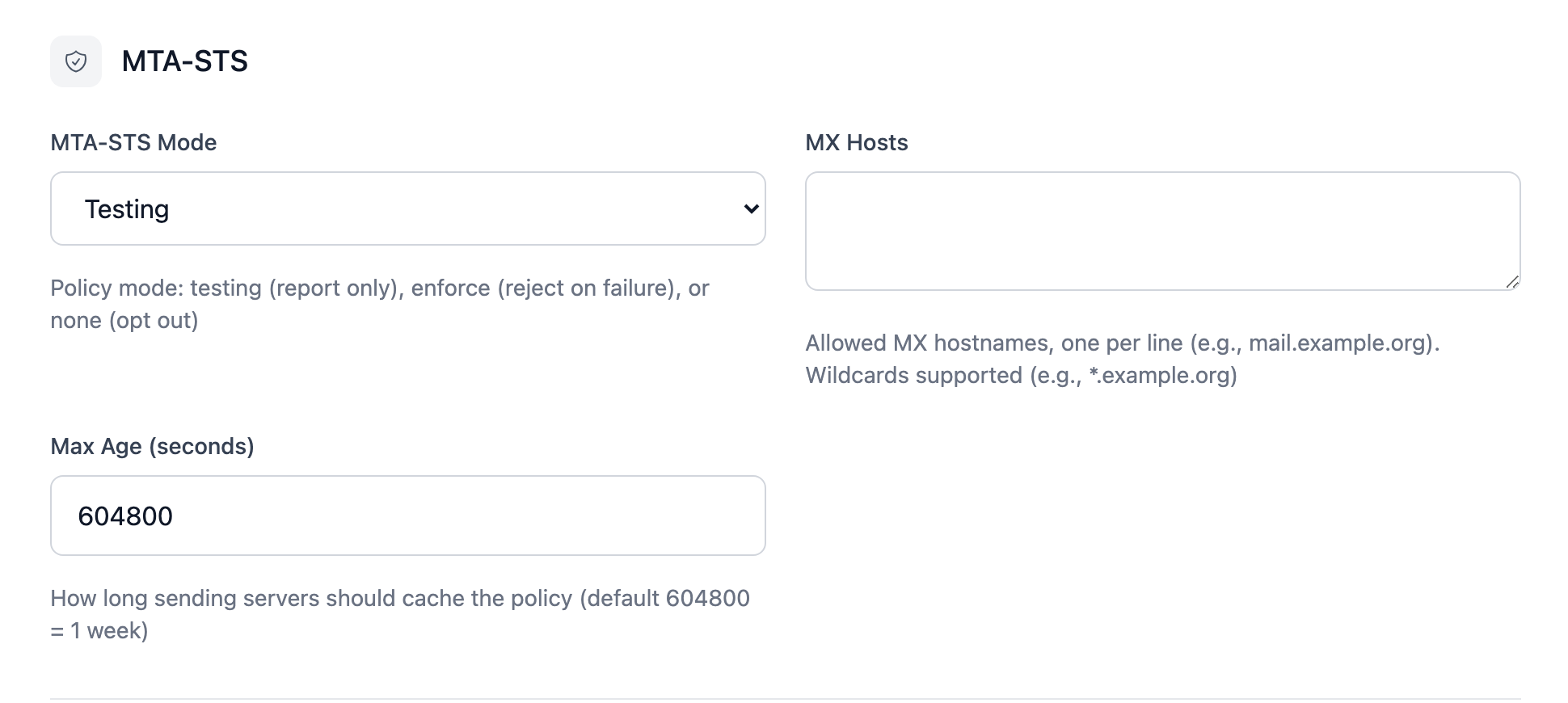
No policy is published while the MX list is empty. See MTA-STS for the required DNS records.
RFC email addresses
| Setting | Default | Description |
|---|---|---|
| Postmaster address | – | Destination of postmaster@ on all domains (RFC 5321). |
| Abuse address | – | Destination of abuse@ on all domains (RFC 2142). |
If set, these override aliases with the same address. Leave empty to use aliases instead.