Maintenance
Userli runs maintenance tasks automatically in the background. Under System → Maintenance (admins only) you can start them manually, for example after changing data or when the scheduler is not running.
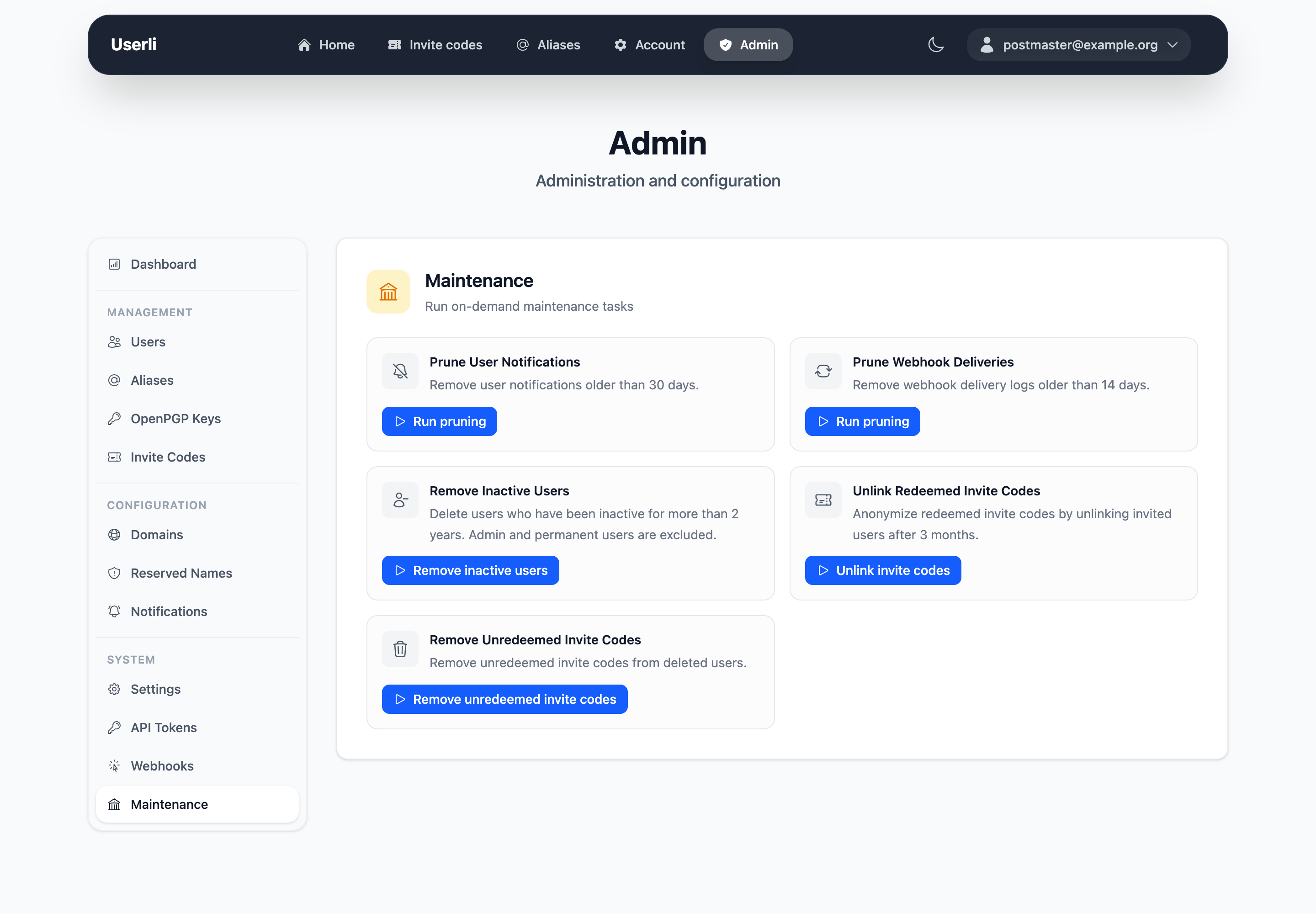
| Task | Schedule | What it does |
|---|---|---|
| Prune webhook deliveries | daily, 03:00 | Removes successful webhook deliveries older than 14 days. Failed ones are kept. |
| Prune user notifications | daily, 03:30 | Removes notifications older than 30 days. |
| Unlink redeemed invite codes | daily, 04:00 | Removes the link between an invite code and the account that used it, three months after registration. |
| Remove unredeemed invite codes | weekly, 05:00 | Removes unused invite codes of deleted users. |
| Remove inactive users | weekly, 06:00 | Deletes accounts without sign-in for more than two years (737 days). Accounts with role Admin, Domain admin or Permanent are skipped. |
| Weekly report | weekly, 07:00 | Emails the registrations of the last 7 days to the notification address, if enabled. Can't be started manually. |
Times are server time. Manually started tasks run in the background within a few seconds.
Inactive users
Every sign-in counts – web interface, IMAP/POP3 via Dovecot, SMTP via Postfix or Keycloak. Services that keep users logged in for a long time should report activity via the Retention API, otherwise their users may be removed.
Note
The tasks only run automatically if the worker and scheduler processes are running, see Background services.