Web Key Directory
Userli brings support for OpenPGP Web Key Directory, a OpenPGP key discovery system. Users can import and update their OpenPGP key and it will be published in the Web Key Directory according to the OpenPGP Web Key Directory Internet Draft.
Importing OpenPGP keys requires GnuPG (version 2.1.14
or newer) to be installed, as the
pear/crypt_gpg
library uses it to parse and validate uploaded keys.
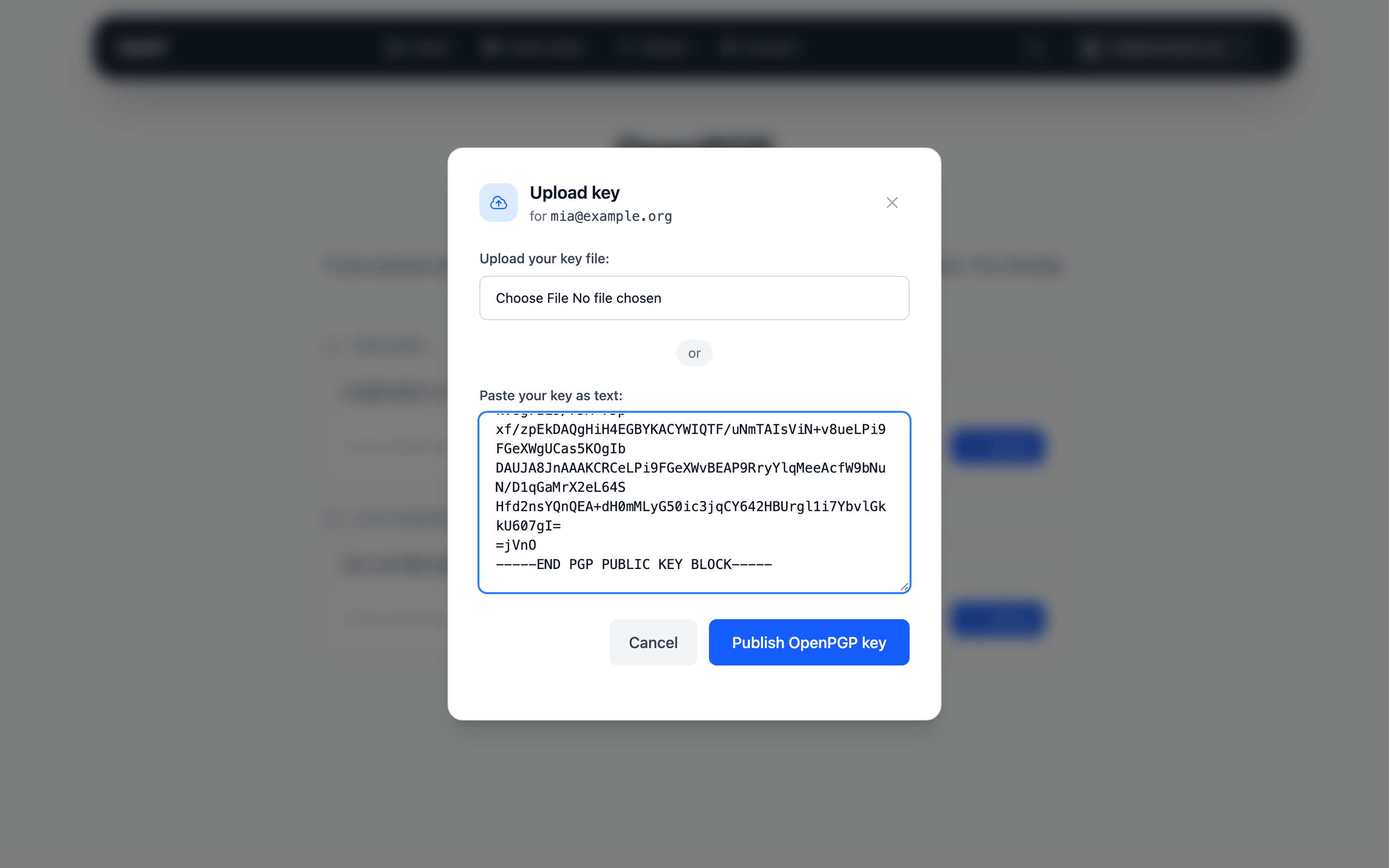
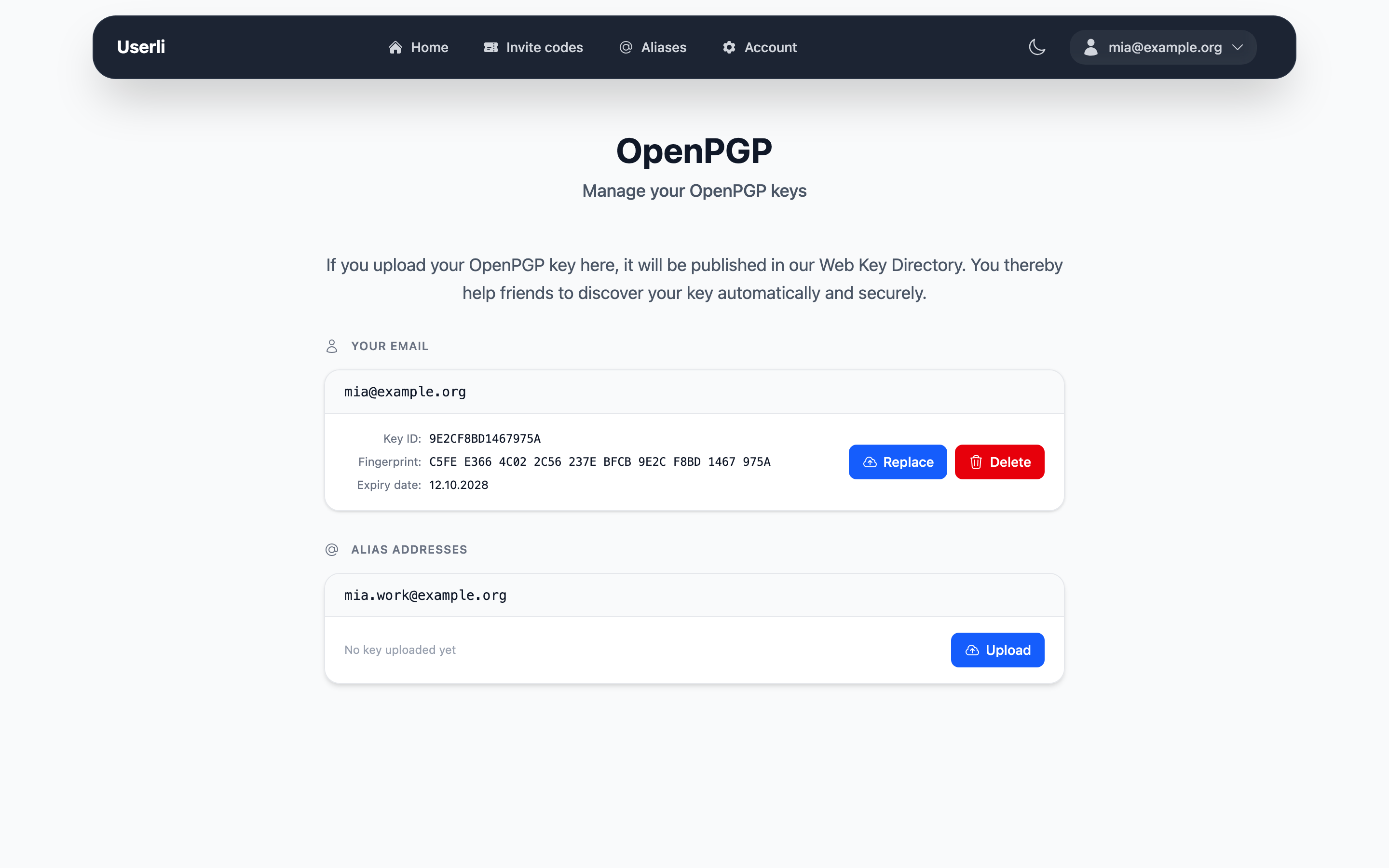
Users publish their key in Account settings → OpenPGP Keys, either by uploading a file or by pasting the key as text. The key can be published for the account and for each custom alias. See User Guide → OpenPGP keys.
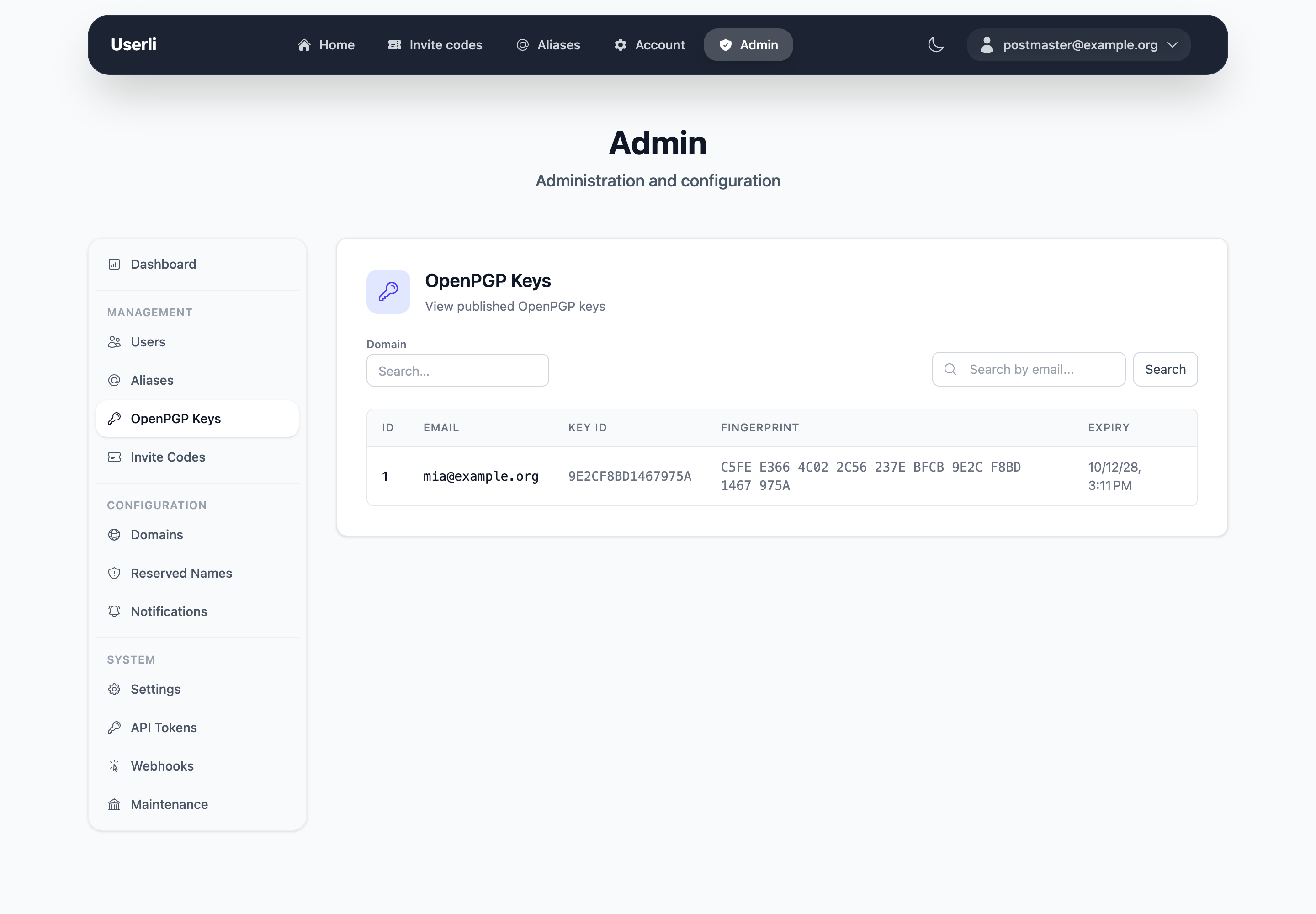
Admins can list all published keys in Admin → OpenPGP Keys.
Userli serves WKD keys directly via HTTP using the Advanced method. The following routes are provided:
/.well-known/openpgpkey/{domain}/hu/{hash}— returns the binary OpenPGP key for the given WKD hash/.well-known/openpgpkey/{domain}/policy— returns an empty policy file
Key lookups are cached with a 24-hour TTL (in Redis if REDIS_URL is
configured, otherwise on the filesystem) and automatically invalidated when keys are created, updated, or deleted.
DNS and hostnames
WKD clients look up keys of user@example.org in this order:
- Advanced method:
https://openpgpkey.example.org/.well-known/openpgpkey/example.org/hu/<hash> - Direct method:
https://example.org/.well-known/openpgpkey/hu/<hash>
Userli implements the advanced method. For each mail domain, point
openpgpkey.<domain> to Userli and include it in the TLS certificate:
openpgpkey.example.org. IN CNAME users.example.org.
Reverse Proxy Setup
If openpgpkey.<domain> is served by another webserver or reverse proxy,
forward requests to /.well-known/openpgpkey/ to Userli.
Replace upstream and localhost:8000 with the address of your Userli
webserver.
Nginx
location /.well-known/openpgpkey/ {
    proxy_pass http://upstream;
}
Apache 2
ProxyPass "/.well-known/openpgpkey/" "http://localhost:8000/.well-known/openpgpkey/"
ProxyPassReverse "/.well-known/openpgpkey/" "http://localhost:8000/.well-known/openpgpkey/"
Caddy
handle /.well-known/openpgpkey/* {
    reverse_proxy localhost:8000
}