Domains
Configuration → Domains lists the email domains managed by Userli. Only admins can add and delete domains.
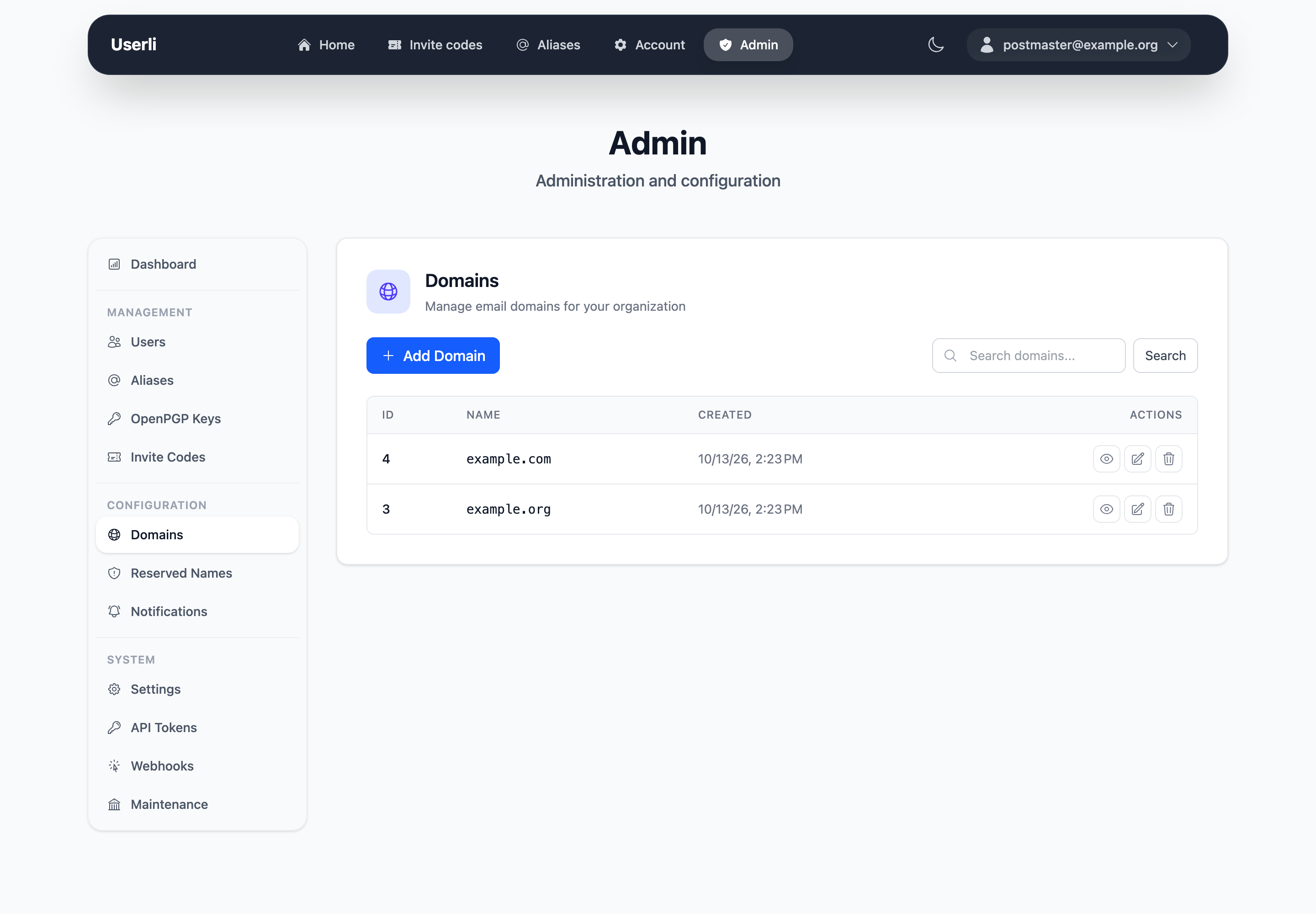
Add a domain
Click Create and enter the domain name, for example example.org.
Userli only manages the accounts. Before users can receive mail on a new domain, your server operator has to configure DNS (MX, SPF, DKIM, DMARC, optionally MTA-STS) and the mail server for it.
Default domain
The first domain you created (lowest ID) is the default domain:
- Users of this domain can sign in with only the part before the
@. bin/console app:admin:passwordsets the password ofpostmaster@<default domain>.
Domain details
The detail page shows the number of users, aliases, domain admins and invite codes of the domain.
Invitations
Registration in Userli works only with invite codes. Invitations are configured per domain under Edit:
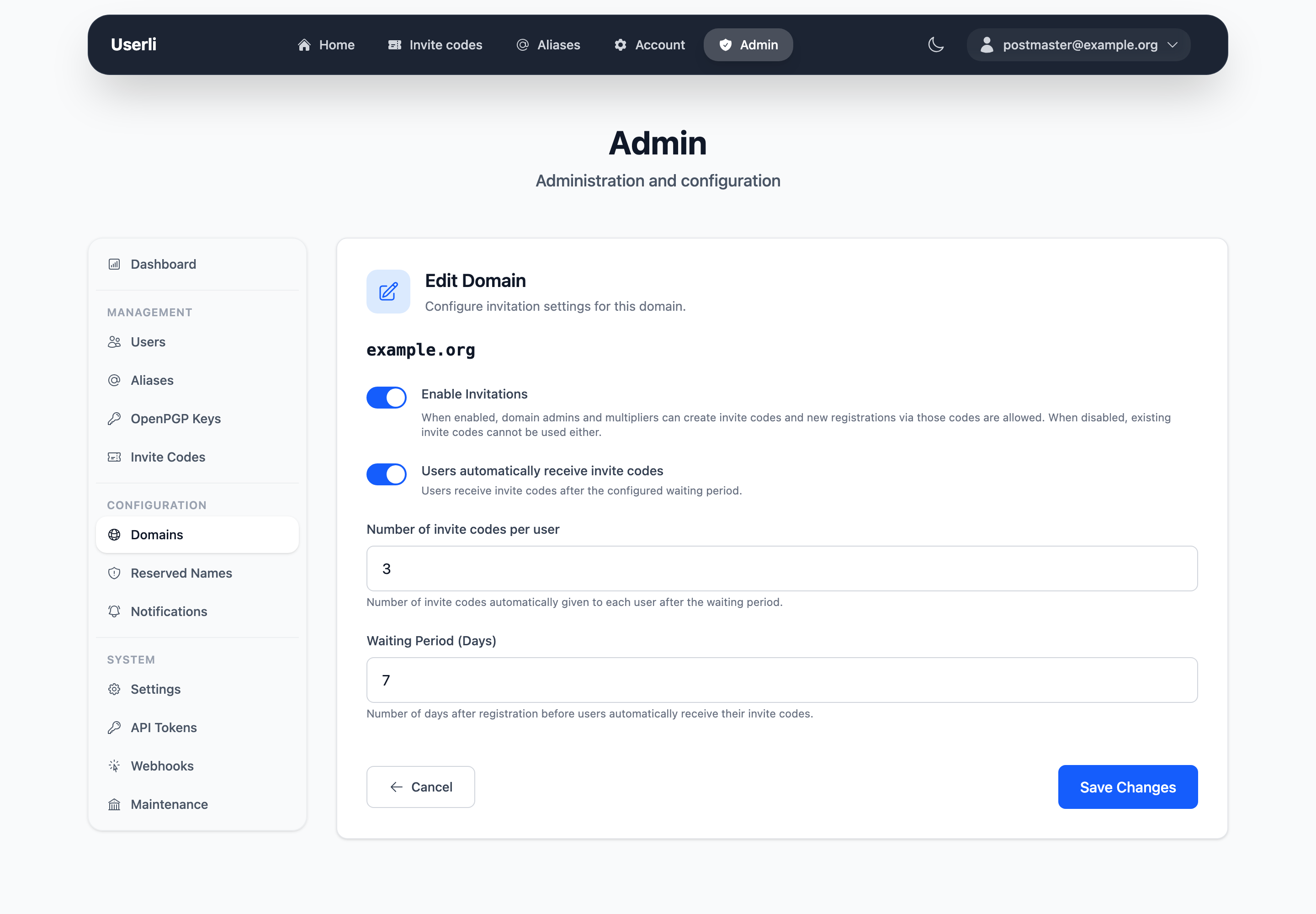
| Setting | Description |
|---|---|
| Enabled | Allow registration with invite codes for this domain. If disabled, visitors with a code see "Registration closed". Existing accounts are not affected. |
| Limit | Number of invite codes each user receives automatically. 0 means users don't get codes, but multipliers and admins can still create them. |
| Waiting period | Days after registration before users receive their codes (default 7). |
New domains have invitations disabled.
Domain admins
Domain admins manage the users, aliases and invite codes of their own domain and can edit its invitation settings via Management → Domain settings.
To make someone domain admin, give their account the role Domain admin. The account must belong to the domain. See Roles and permissions.
Delete a domain
Deletes all data of the domain
Deleting a domain permanently deletes all users, aliases, invite codes
and OpenPGP keys of that domain. Unlike deleting a single user, this is a
hard delete: the addresses become available again, and no user.deleted
webhooks are sent.
Click delete and confirm with your password. You can't delete the domain of your own account. Webhooks that were limited to only this domain are disabled.
On the command line, use bin/console app:domain:delete --domain example.org
--dry-run to see what would be deleted first.