Webhooks
System → Webhooks (admins only) configures URLs that Userli calls when accounts are created, deleted or reset. Webhooks keep other services – for example Nextcloud, Matrix or a script on the mail server – in sync with Userli.
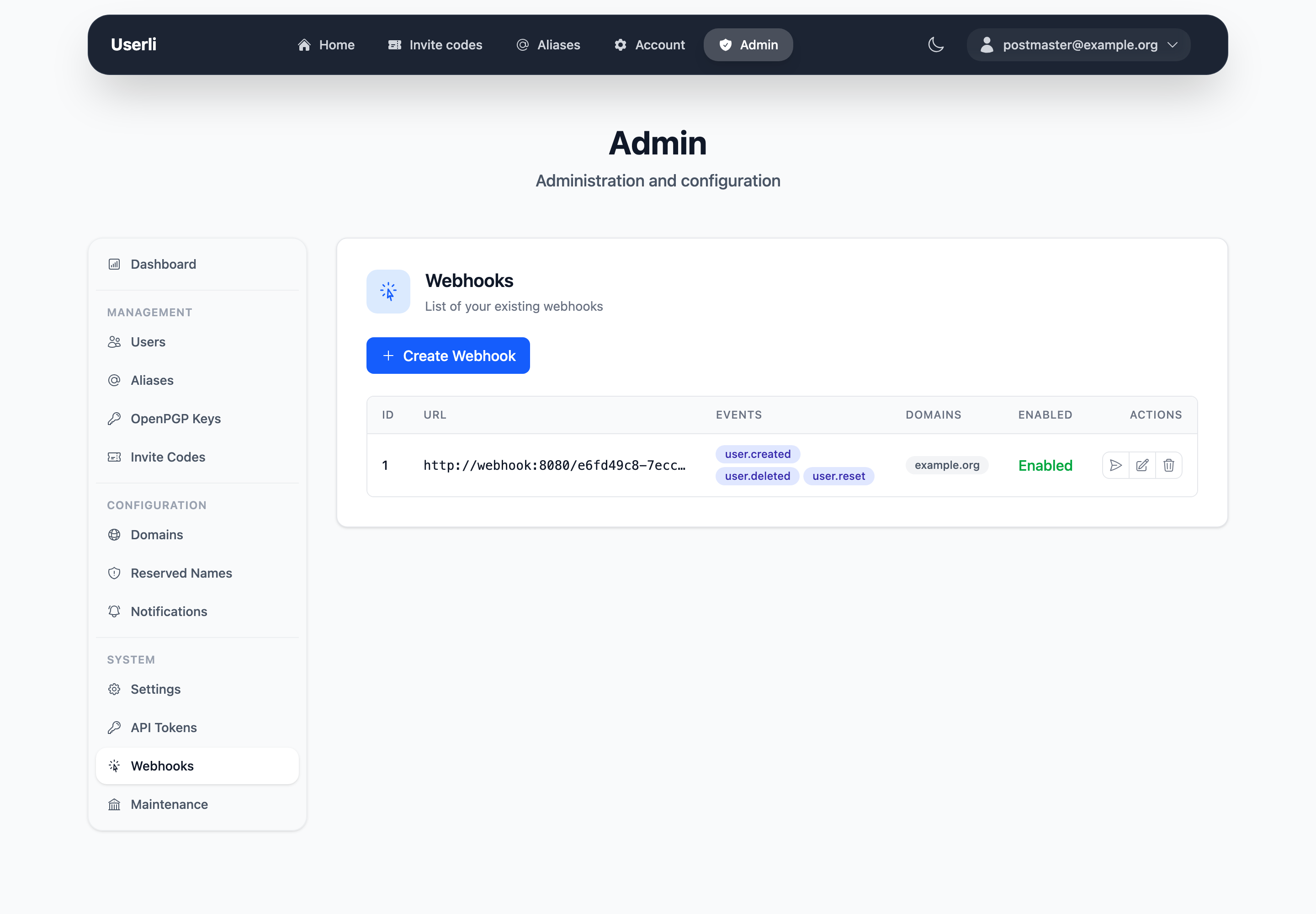
Create a webhook
Click Create and fill in:
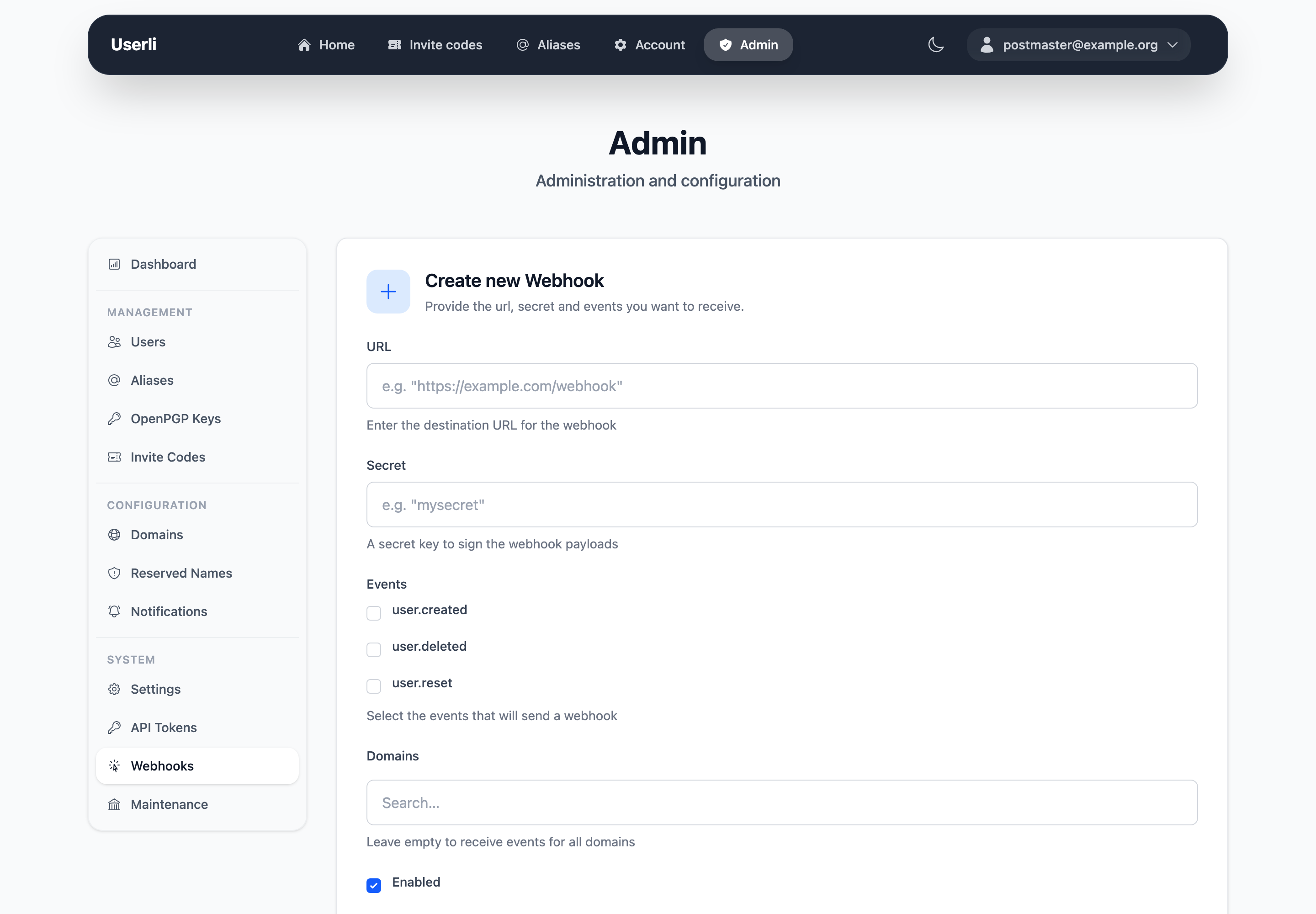
| Field | Description |
|---|---|
| URL | Endpoint that receives the events. |
| Secret | Shared secret to sign the requests. The receiver needs the same secret. |
| Events | At least one of user.created, user.deleted, user.reset. |
| Domains | Optional. Only send events for users of these domains. Empty means all domains. |
| Enabled | Turn the webhook on or off. |
| Event | Sent when |
|---|---|
user.created |
A user registered with an invite code. |
user.deleted |
A user was deleted – by themselves, an admin or automatic cleanup. |
user.reset |
An admin set a new password for a user with mailbox encryption. |
Test and monitor
- Use the send action to send a test event.
- Deliveries lists all calls of a webhook with status, response and number of attempts. Failed deliveries are retried automatically three times. You can retry a delivery manually after fixing the receiver.
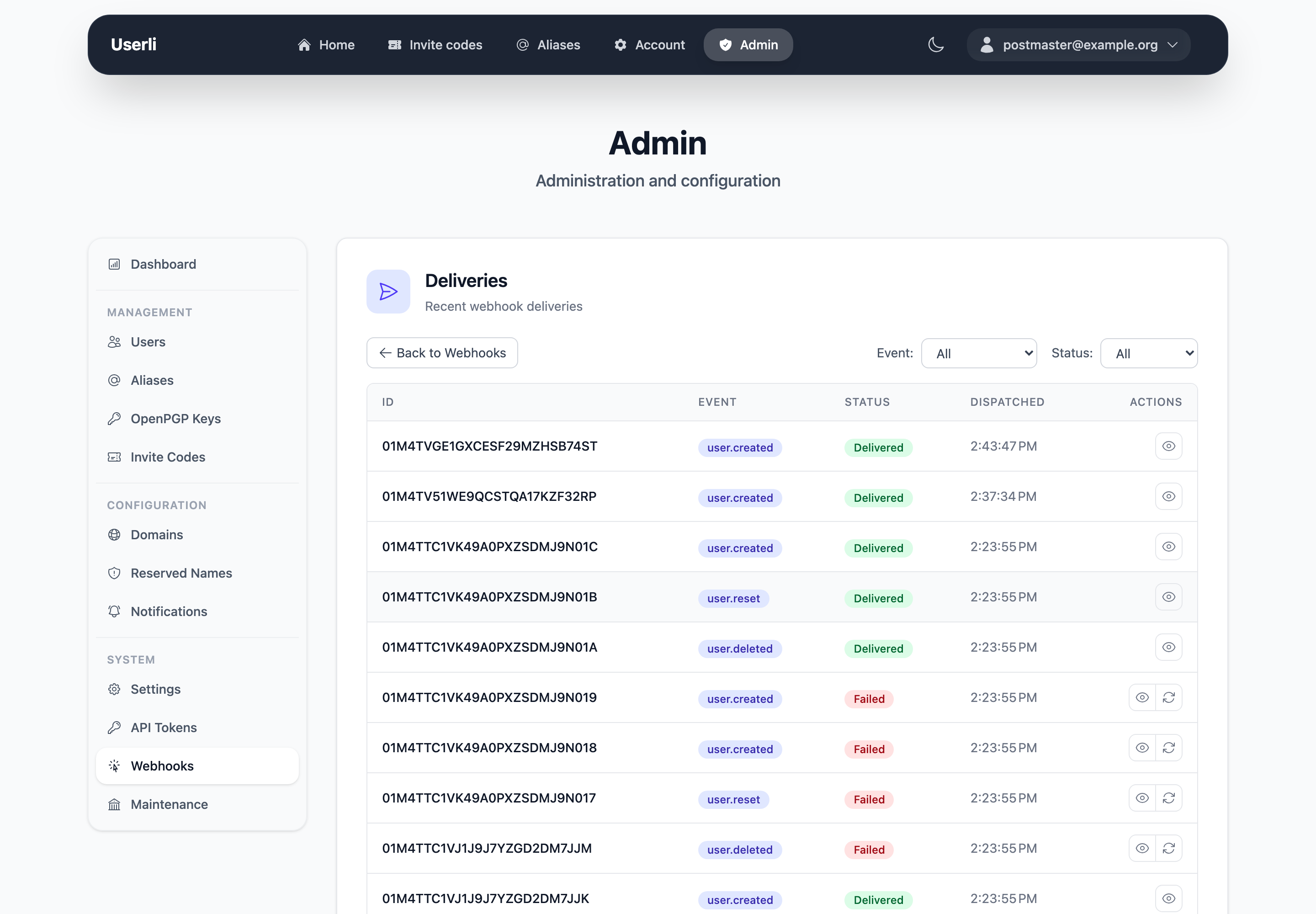
Successful deliveries are removed after 14 days.
The payload format, signature and retry behaviour are described for developers of receivers in Operations → Webhooks.