Invite codes
New accounts can only be registered with an invite code (also called voucher). Each code belongs to a user and a domain and can be used once. The new account is created in the domain of the code.
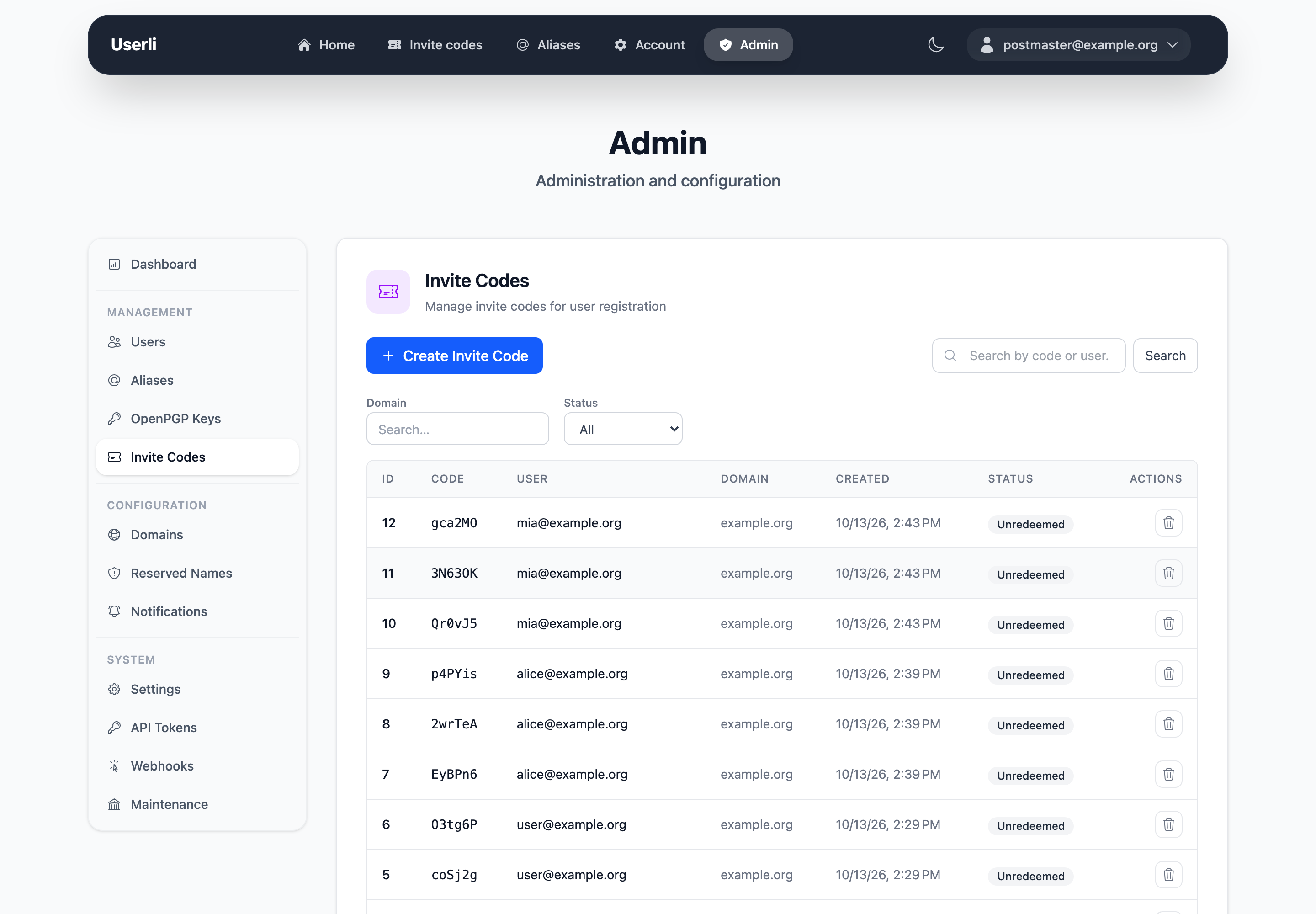
Management → Invite Codes lists all codes with owner, domain and whether they were redeemed.
How users get invite codes
Users get codes automatically when they open their invite code page and
- invitations are enabled for their domain,
- their account is older than the domain's waiting period,
- they have signed in at least once,
- they have fewer codes than the domain's limit (redeemed codes count, so the limit is a lifetime total),
- they don't have the role Suspicious.
Users with the role Multiplier (including domain admins and admins) can create codes on their invite code page at any time. See Roles and permissions.
Create invite codes
Click Create, choose the owner and – as admin – the domain. Admins can create codes for any domain; domain admins only for their own domain, and only if invitations are enabled for it. The limit per user doesn't apply.
To create several codes at once and print registration links, use the command line:
bin/console app:voucher:create --user admin@example.org --count 10 --print-links
Delete invite codes
Delete unused codes with the delete action, for example when they were shared publicly.
Automatic cleanup
- Unused codes of deleted users are removed.
- Three months after a code was redeemed, the link between the code and the new account is removed for privacy. After that, you can no longer see who invited whom.
See Maintenance.