Admin Guide
This guide is for people who manage the email accounts of a Userli installation – either for all domains (admins) or for a single domain (domain admins). It explains the admin interface. Installing and operating the server is covered in Operations.
Open the admin interface
Sign in with an admin account and click Admin in the navigation bar, or open
/admin/ directly.
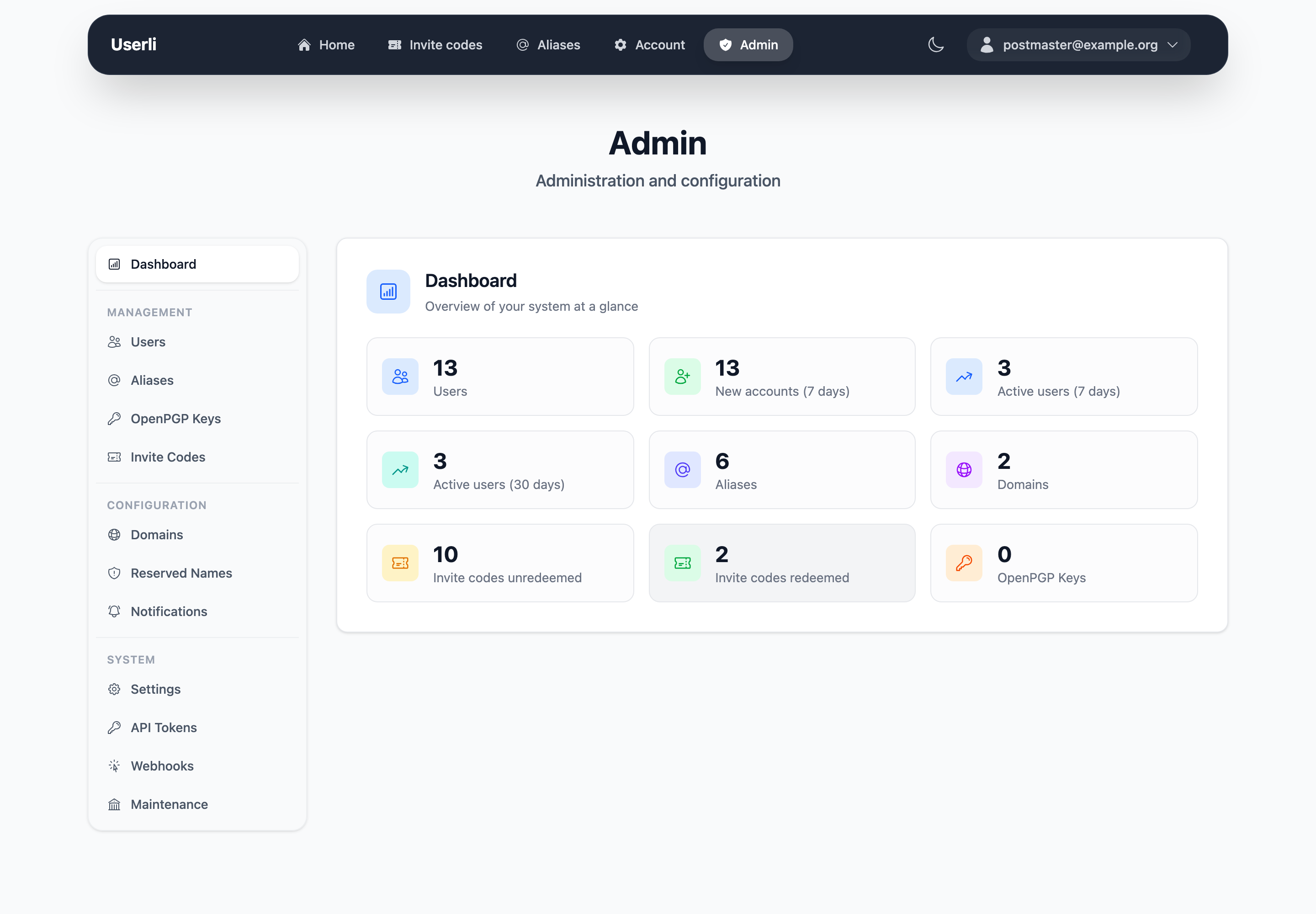
The sidebar groups all pages:
| Group | Pages | Admin | Domain admin |
|---|---|---|---|
| Management | Dashboard, Users, Aliases, OpenPGP Keys, Invite Codes | ✓ | ✓ (own domain) |
| Domain settings (own domain) | ✓ | ||
| Configuration | Domains, Reserved Names, Notifications | ✓ | |
| System | Settings, API Tokens, Webhooks, Maintenance | ✓ |
Try it out
The screenshots in this guide were taken with the example data from
make fixtures. See the development setup to
run your own test instance.
Dashboard
The dashboard shows the number of users, new users and active users in the last 7 and 30 days, aliases and published OpenPGP keys. Admins also see the number of domains and redeemed and unused invite codes. Domain admins only see numbers for their own domain.
OpenPGP keys
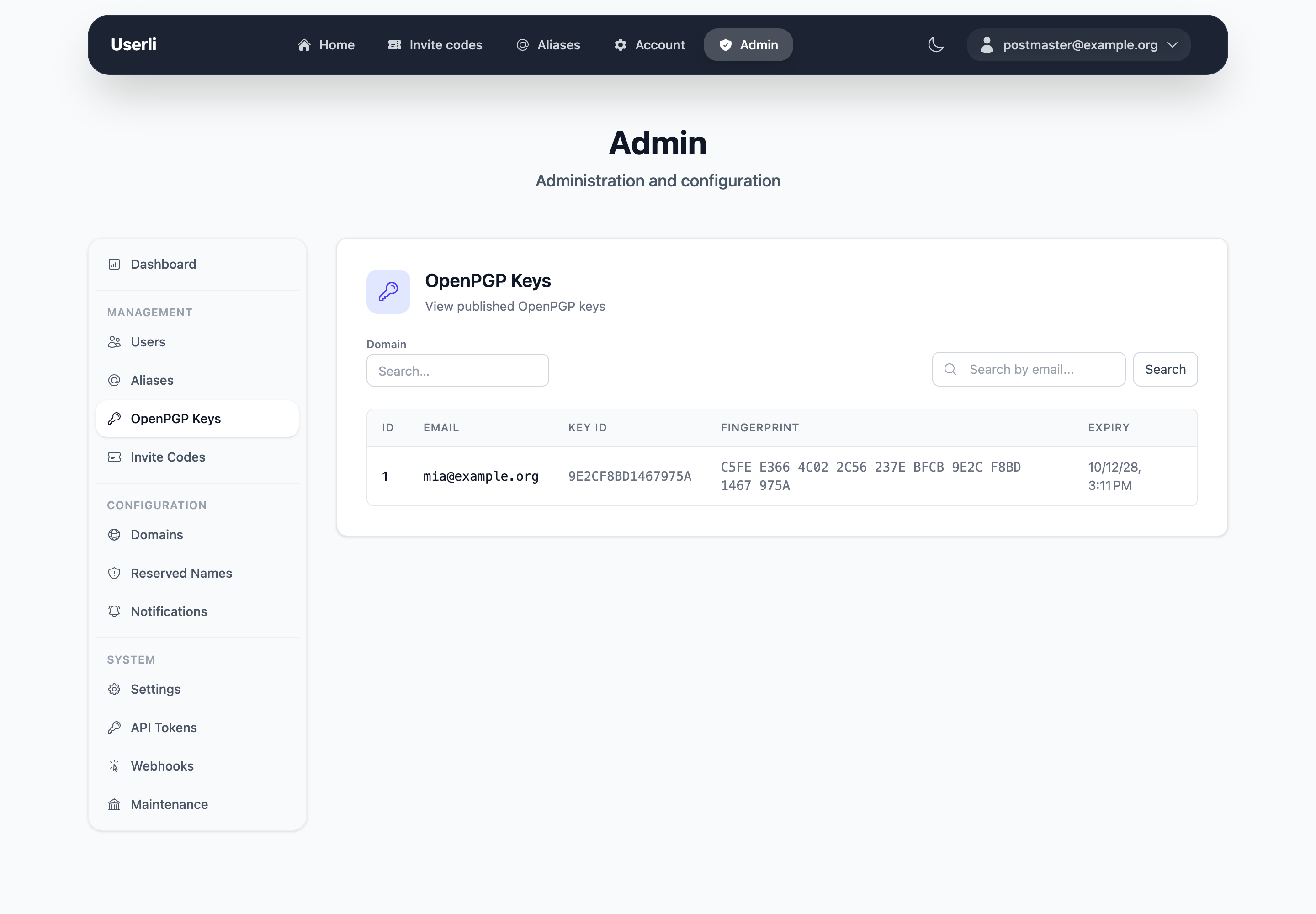
Management → OpenPGP Keys is a read-only list of all keys that users have published in the Web Key Directory. Use the search to find keys by email address or domain. Users manage their keys themselves, see OpenPGP keys in the User Guide.
Common tasks
| Task | How |
|---|---|
| Create an account for someone | Users → Create |
| A user lost password and recovery token | Set a new password (encrypted mails are lost) |
| Account sends spam | Add the role Spam |
| Account invited spammers | Add the role Suspicious |
| Delete a custom alias for a user | Aliases → Delete |
| Give someone unlimited invite codes | Add the role Multiplier |
| Open registration for a domain | Domains → Edit → Invitations |
| Restore a deleted account | Users → Restore |